Notion as a Source of Truth
An automated project and portfolio workflow built with Notion, n8n, Python, Linear, GitHub, and Firebase.
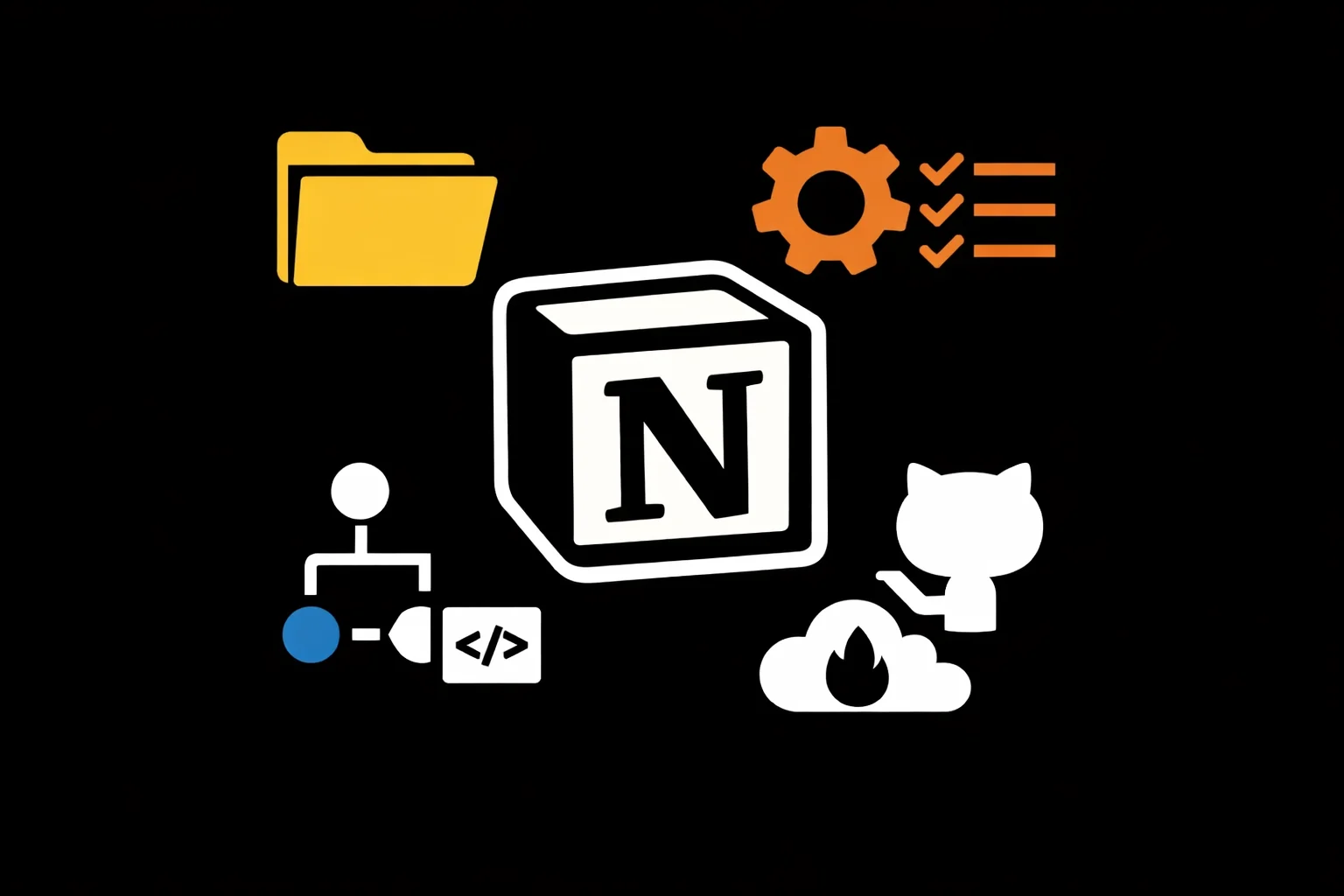
Portfolio Sync System is a project operations workflow for managing metadata, documentation, and portfolio publishing from a single structured source of truth. It began as a folder-based project system using local files and .project.json, then evolved through a custom metadata editor into a relational Notion workspace connected to work logs, tasks, milestones, and media.
The system uses formulas, required-action logic, severity scoring, and visual workflow cues inside Notion to make project readiness measurable and easier to maintain. n8n watches for qualifying project changes, compiles portfolio-ready JSON, and passes that data into a Python-based build pipeline that prepares content and media for a static portfolio site. Linear handles issue tracking, GitHub stores code and optimized assets, and Firebase Hosting serves the finished portfolio.
The result is a project operating system that reduces duplicate entry, improves documentation quality, and keeps the portfolio aligned with the real state of the work over time.
Project Details
Category
OrganizationDomain
PersonalTags
Work Logs
See all logsBuilt Test DB design for easier ingest of projects
Mar 22, 2026 · 3/22/2026, 4:00 PMLearned a lot about Notion but didn’t actually get as far as I’d liked.
Focused on getting n8n automation to work with notion
Mar 22, 2026 · 3/22/2026, 12:00 AMWorked on getting automatic SQL like tables to be be generated based on automation from n8n
Organized notes and created Dashboard system
Mar 19, 2026 · 3/19/2026, 4:00 PM• Figured out how to import .md files into Notion
Designing the Notion–n8n Workflow System
Mar 12, 2026 · 3/12/2026, 1:00 PMI set up n8n automations connected to my Notion databases and created several templates in Notion for tasks and projects. A significant amount of time went into designing and organizing how data flows between the systems so the workflows remain structured, consistent, and easy to automate.
Created full automation and ingest system with project addition in Notion and n8n
Mar 11, 2026 · 3/11/2026, 1:00 PMI created a full automation and ingestion system that connects project additions in Notion with workflows in n8n. When a new project is added, the system automatically captures and processes the data through n8n, organizing it and preparing it for downstream workflows and documentation. This establishes a structured pipeline for consistently ingesting and managing new project information.
Building n8n Automations and a Notion Dashboard
Mar 10, 2026 · 3/10/2026, 9:00 AMI created the full set of n8n automations and integrated them with my workspace. I also added a dashboard in Notion to monitor and manage the workflows, giving a centralized view of automation activity and project data.
Created automation for tasks and subtasks using n8n
Mar 8, 2026 · 3/8/2026, 3:00 PMCreated a workflow that checks for updates to notion’s Tasks db then syncs the data for accompanying tasks subtasks, project, milestone as well as adds a note to say what happened.
Added tables to notion
Feb 28, 2026 · 2/28/2026, 5:00 PMLearned how to use Notion
Implemented full automation with n8n, Notion and linear
Feb 26, 2026 · 2/26/2026, 2:00 PMUsed notion as source of truth for social posts.
Created full work flow for Notion tasks, projects and milestones
Feb 23, 2026 · 2/23/2026, 11:00 AMAdded formula columns to the milestones, projects, tasks and assets db, and the work log db, so that required actions to complete the db entry are sorted and conditionally colored.