The Art of Turning a 90-Minute Task Into a 2-Month Automation Project
The article traces the evolution of four systems - Obsidian + Project Management App, OPE, RPOVault, and Folio - built to keep project metadata, files, and a public portfolio in sync without constant duplication. Each version clarified the value of structured project records, but also exposed the growing maintenance cost of owning every layer, especially around files, media, and editing workflows. The final takeaway is that integrating existing tools like Notion, n8n, GitHub Actions, and Firebase solves the real problem more effectively than continuing to maintain a complex custom application.
For the last few years, I kept returning to the same problem in slightly different forms.
I just wanted my portfolio page to update when I updated my personal projects. Or at least I wanted those two things to stay close enough together that I was not constantly re-entering the same information in multiple places. That meant titles, descriptions, status, media, links, and all the small details that make a project legible later, both to me and to anyone looking at the public-facing version of it.
That was the simple version of the problem.
The longer version is that I work across a lot of different kinds of projects, software, animation, art, writing, expository work, white papers, and other things that do not fit neatly into one generic portfolio template. So very quickly this stopped being just a matter of storing a title and a thumbnail somewhere. I wanted a structured way to describe projects that could survive different formats, different folders, different media types, and different stages of completion.
That idea kept making sense to me, which is probably why I kept rebuilding it.
What changed over time was the implementation. The stacks changed, the interfaces changed, and my understanding of the problem changed with them. Looking back, there are four versions that really define the arc: Obsidian + Project Management App, OPE, RPOVault, and Folio.
A rough timeline
This was not one clean straight line. A few versions overlapped, and some of them fed directly into the next without ever really being finished in the usual sense. But the broad arc looked like this:
-
Obsidian + Project Management App: early attempt to connect projects, folders, and notes
-
OPE: the stage where the schema and workflow became the real focus
-
RPOVault: a React-based GUI layer tying the system together more directly
-
Folio: the most complete version, a macOS app that actually shipped
That progression matters because each version taught me something different, and the later ones only make sense in light of the earlier ones.
Obsidian + Project Management App
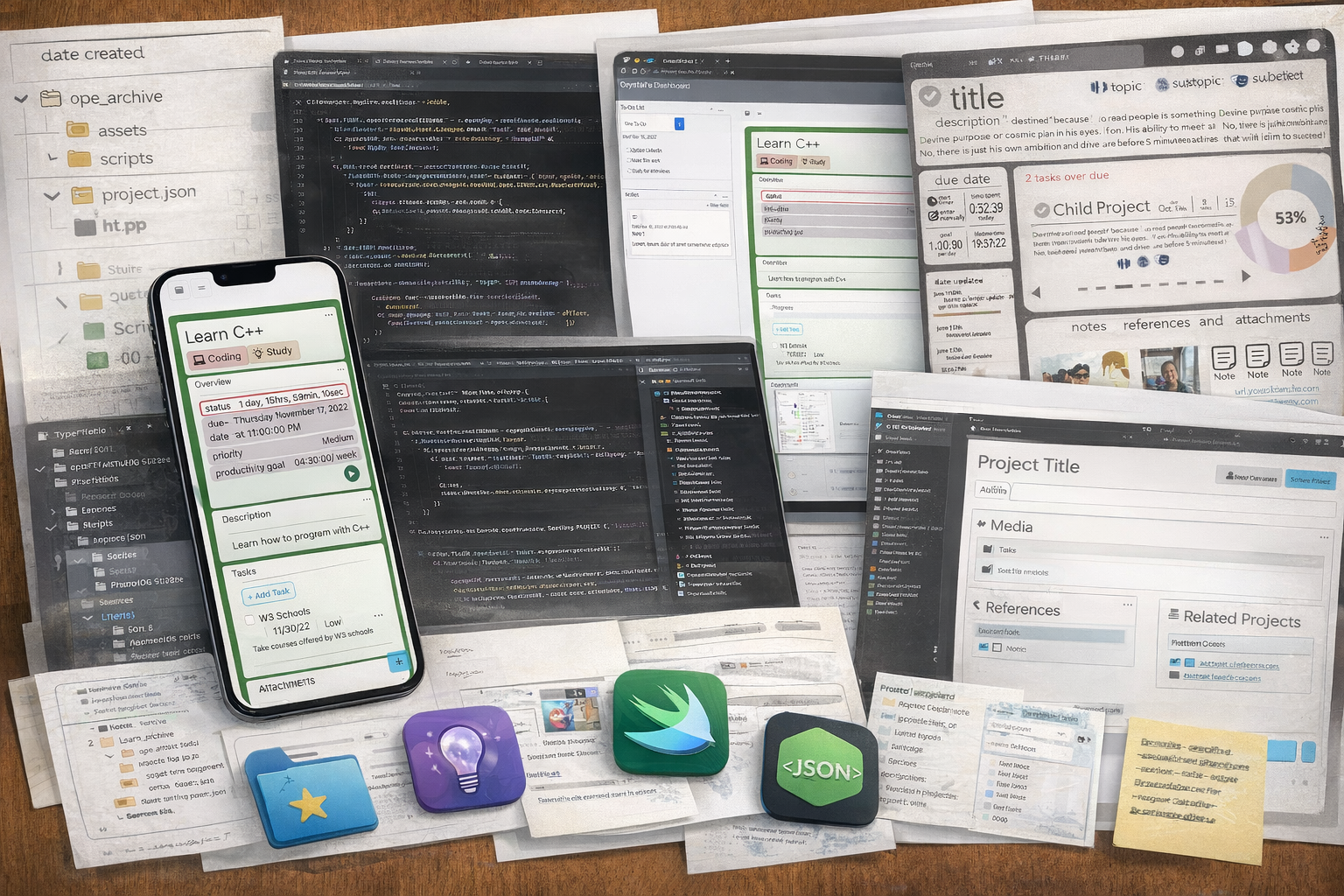
This was one of the earliest versions where the problem became real software instead of just an idea.
At that point I was not just thinking about a nicer way to store project metadata. I was also trying to connect the system to the way I actually worked, which meant local folders, notes, markdown, project files, and the broader context around a project. Obsidian mattered because it already held a lot of the thinking around the work. The project manager mattered because I wanted something more structured than scattered notes and folders.
So this version was partly about reducing duplication, but it was also about keeping project data connected to the actual filesystem and note-taking workflow.
What made this version important is that it exposed the shape of the problem pretty quickly. I was not only trying to build a project manager. I was also trying to build a way for projects, ideas, notes, snapshots, and files to live close enough together that I would not lose context or have to keep translating the same information between systems.
That is also where the first real implementation tension showed up. The closer I got to the filesystem, the more useful the system felt, but also the heavier it became. Once a tool starts caring about directories, file initialization, project creation, snapshots, and integration with external note systems, it stops being a lightweight helper pretty quickly.
This version did a good job of revealing that tension, even if it was not the final answer. It taught me that the real problem was not just interface design. It was the relationship between metadata and the files it was supposed to describe.
OPE
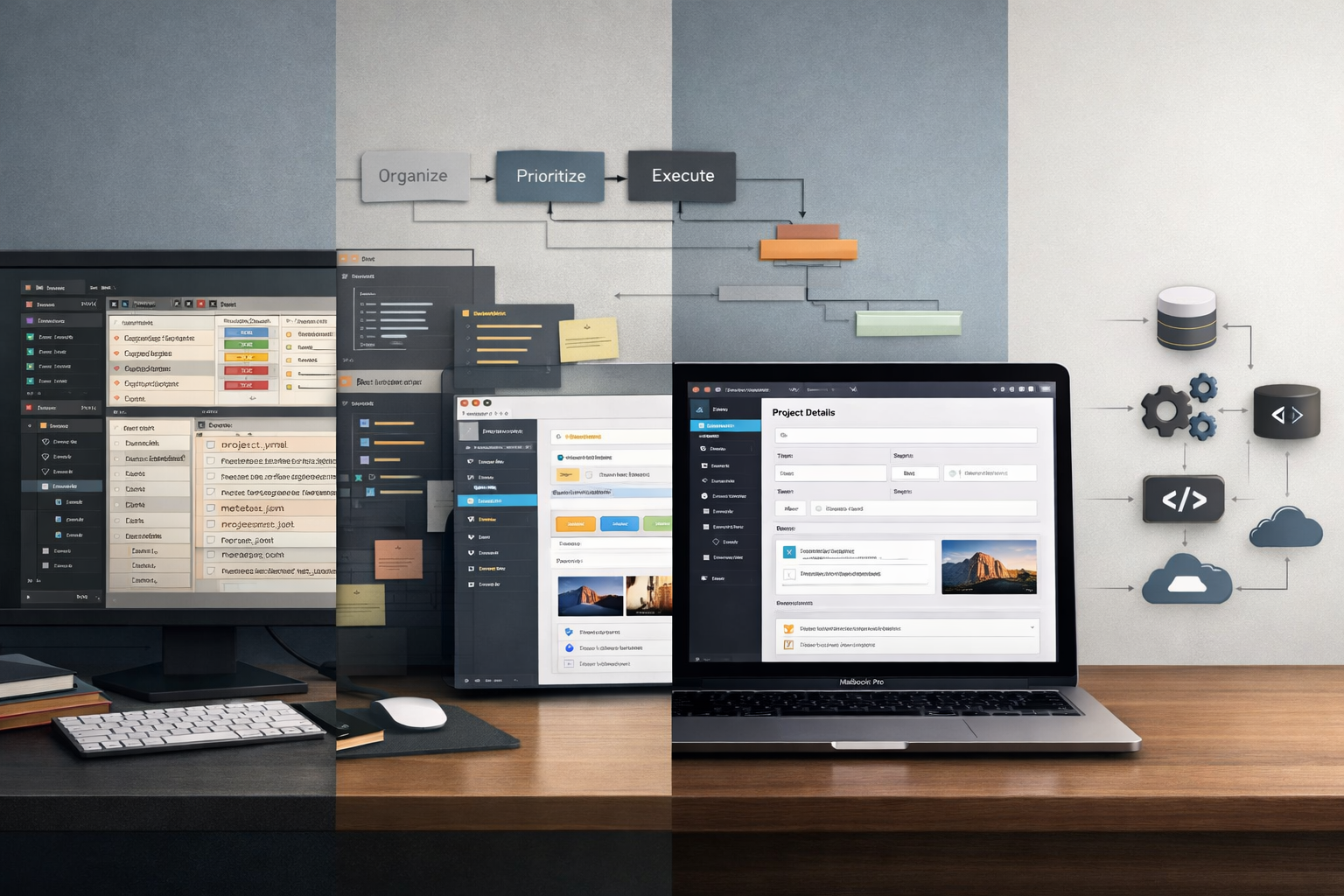
OPE stands for Organize, Prioritize and Execute, and this was probably the point where the system became most conceptually clear to me.
The key idea behind OPE was that this was not supposed to be one giant app doing everything in one flat space. It was meant to be three different systems working as a pipeline for moving projects through a process.
That framing mattered. It meant I was thinking less about a single dashboard and more about how a project should move from raw state to structured state to active state. In other words, not every item needed the same treatment at the same time. Some things needed organizing. Some needed prioritization. Some were ready for execution.
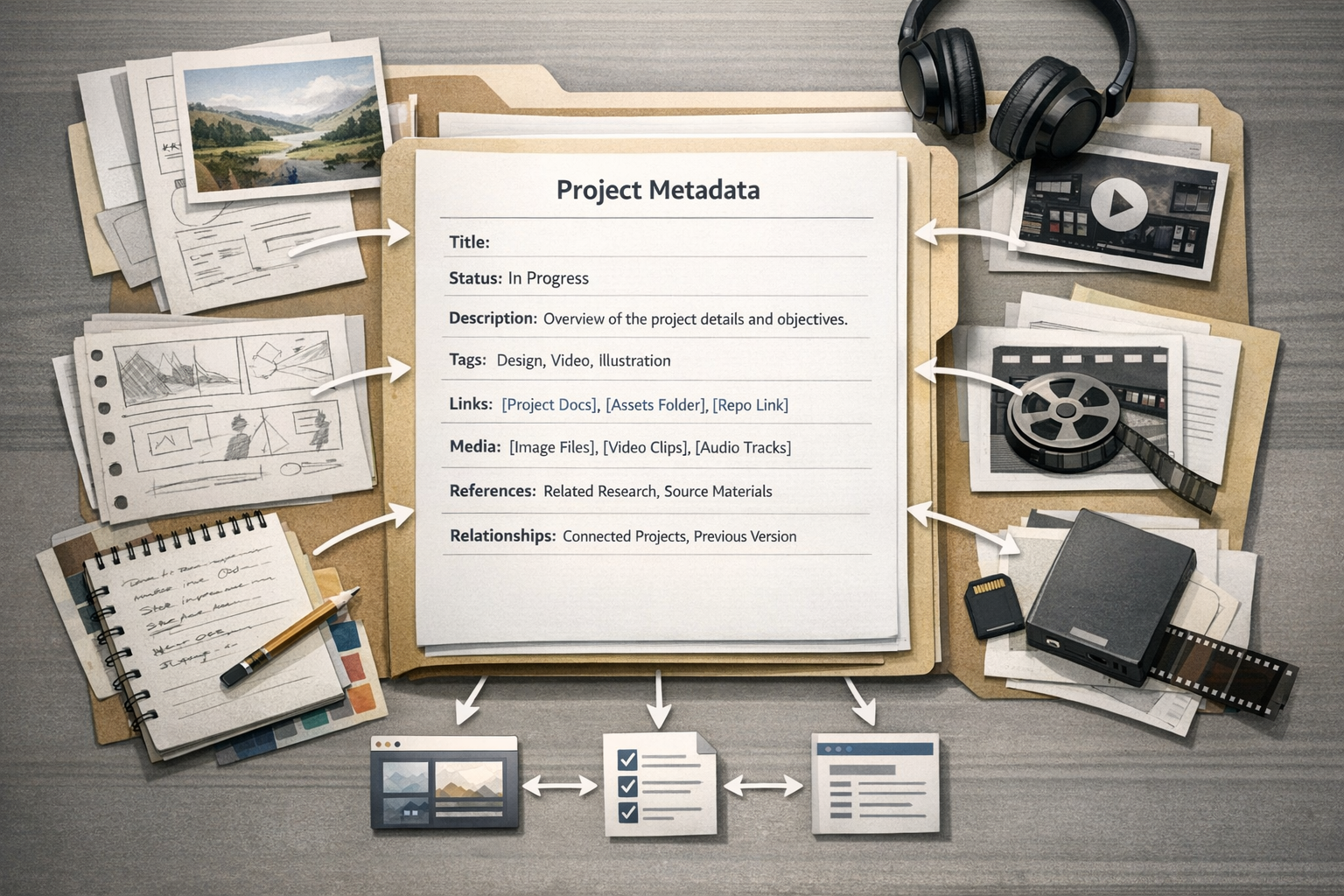
This was also the stage where _project.json really became central.
I liked _project.json because it was a simple, visible convention. If every project folder had a predictable metadata file, I could find those files easily, parse them, filter them, and use them elsewhere. That gave me a shared structure without requiring everything to live inside one opaque database. It also kept the metadata local to the project itself, which still feels like a strong instinct to me.
The problem, of course, is that once _project.json becomes the center of the system, editing it becomes part of the workflow. That was the point where the elegant idea started creating its own overhead. Manual JSON editing was technically possible, but it also introduced exactly the kind of friction and human error I was trying to avoid. So the schema solved one problem and created another.
Still, OPE was important because it clarified what was actually durable in all of this. The durable part was not the shell. It was the structured project record and the idea that projects move through stages, not just sit in folders.
It also clarified something else. I was not really building one thing. I was building adjacent systems and trying to make them cooperate. That was a useful insight, even if the resulting machinery was already getting pretty ambitious.
RPOVault
RPOVault was, in a lot of ways, the next obvious move.
Once I had a metadata-centered system, and once I knew manual editing was becoming a problem, it made sense to put a GUI in front of it. RPOVault was basically the same general idea, but with a React interface tying everything together more directly.
That shift mattered because it changed the day-to-day experience of the system. Instead of thinking first in terms of raw files and then editing around them, I could think in terms of fields, forms, views, and the structure of the data as a user-facing editor. In theory, that should have reduced friction and made the whole thing more reliable.
In practice, it did help, but it also revealed that better editing does not remove architectural complexity. It just changes where you feel it.
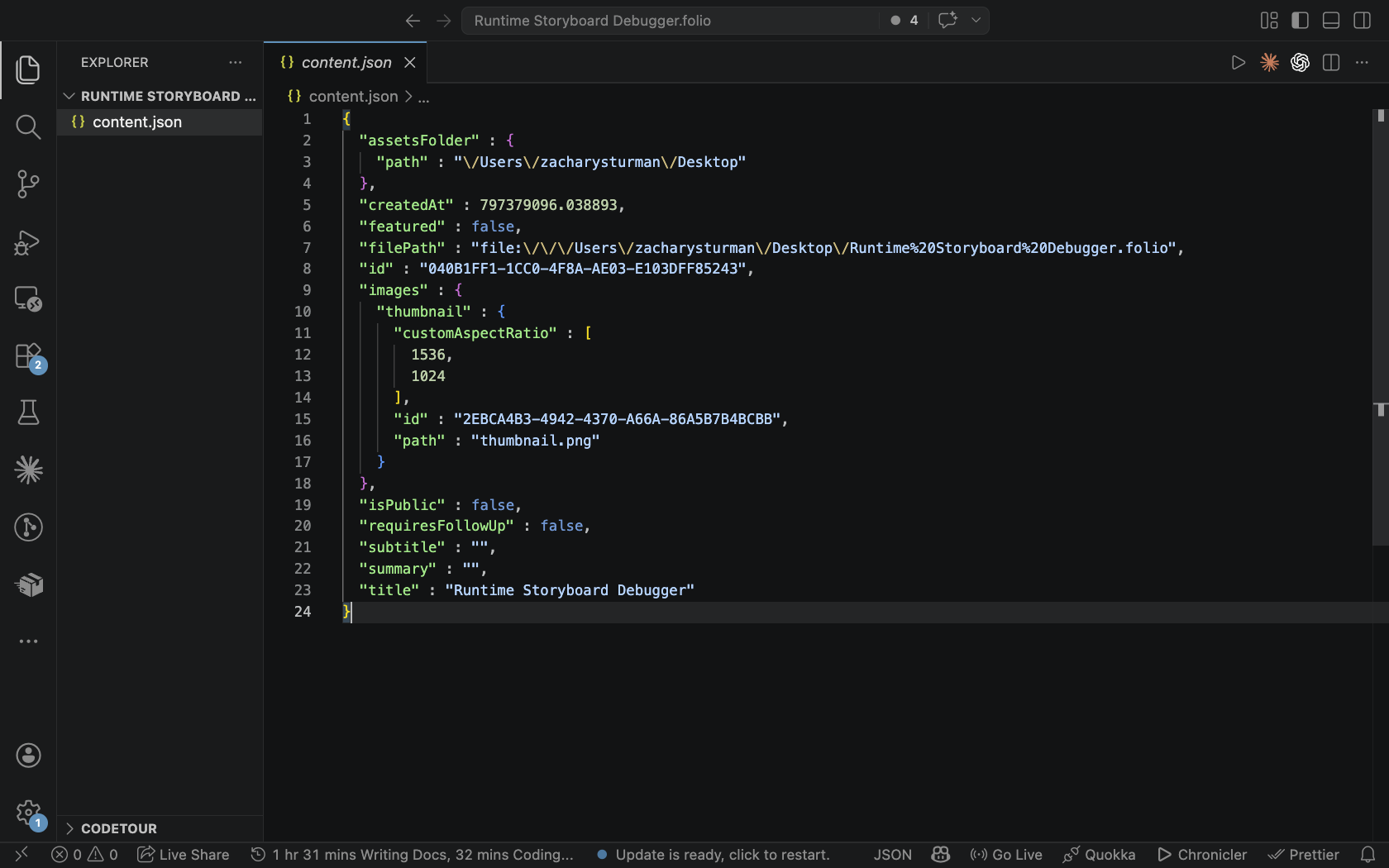
The schema still had to be coherent. File paths still had to work. Media still had to land in the right place. The system still had to preserve structure across saves and changes. So while the GUI made the system friendlier, it did not fundamentally make it lighter.
That was one of the more useful lessons for me. Sometimes a cleaner interface does solve the problem. Sometimes it only makes the underlying complexity easier to look at.
RPOVault sits in that middle ground for me. It was a meaningful step because it proved the value of editing the metadata through a proper GUI, but it also made it harder to ignore that the overall system was accumulating a lot of responsibility.
Folio
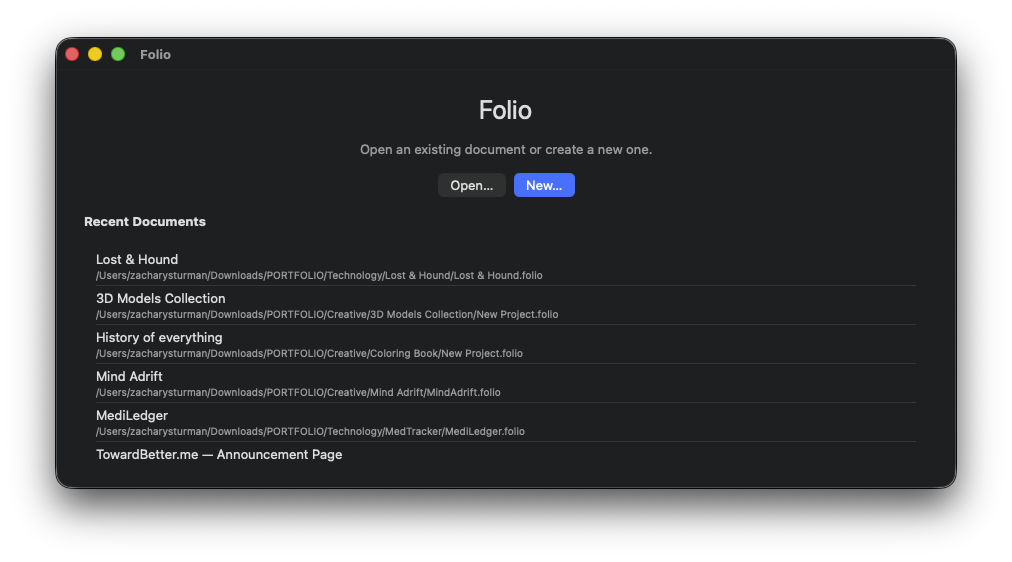
Folio was the version where the project became real enough to ship.
By this point the broad shape of the system had settled. I still wanted a structured project record. I still wanted one place to manage project and portfolio metadata. I still wanted the public-facing portfolio to stay close to the actual project data. The difference was that Folio packaged all of that into a macOS app that I could actually use end to end.
This was the most complete version, and the one that proved to me that the whole idea was technically possible.
It also taught me the most because it pushed all the tradeoffs into the open.
The app worked. I got the metadata flow working end to end. I shipped it. It is on the App Store now as Folio Studio. But by the time I had that result, I also understood what it was costing me to maintain. The fragile parts were still fragile, especially file paths and media. The sandbox system never got to a place I fully trusted. The input cost was still higher than I wanted. And once you are maintaining a custom app that sits in the middle of a project-ingest and portfolio workflow, every bug matters more because the system has become part of the path the work has to travel through.
That was probably the clearest turning point.
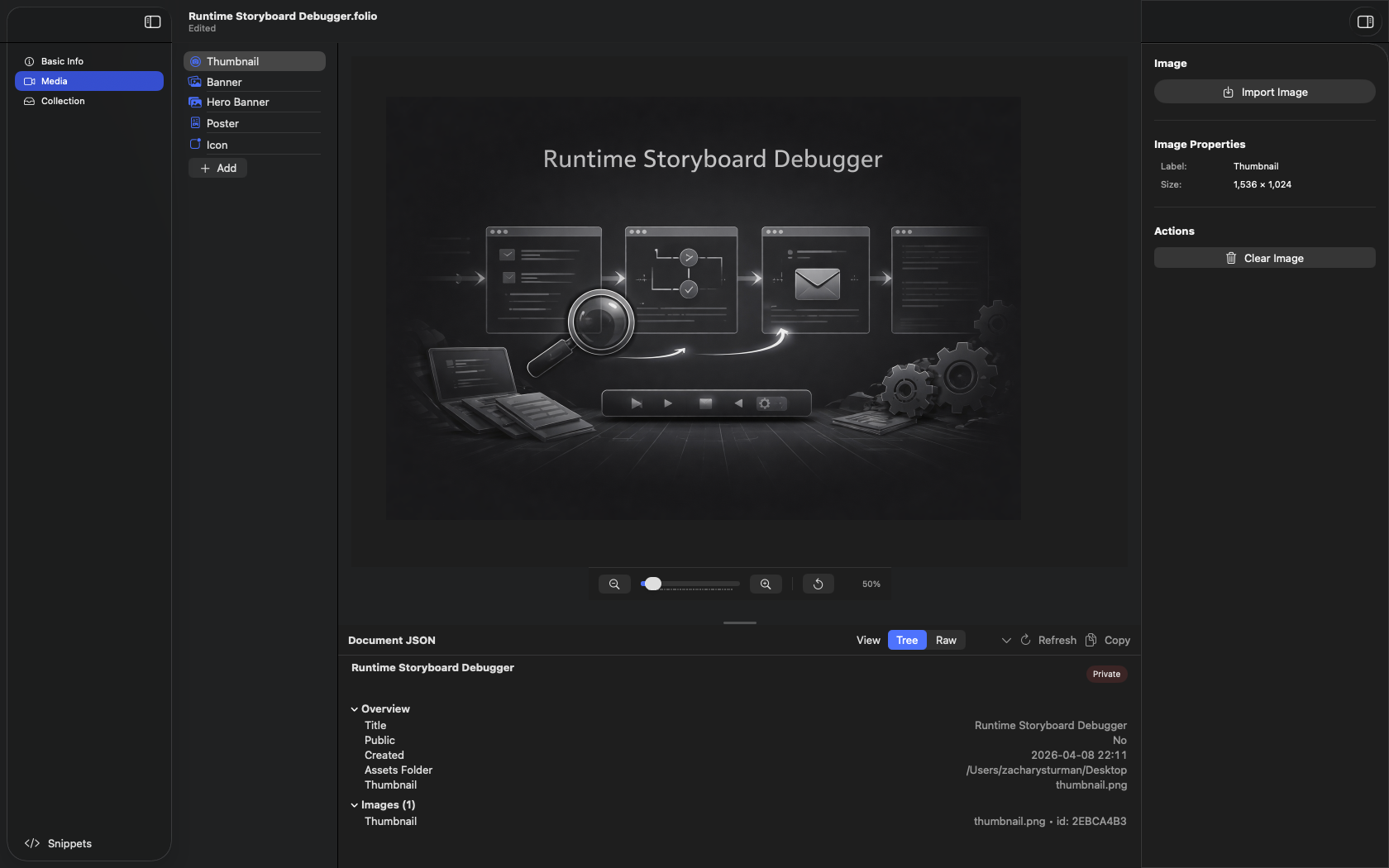
A tool that is supposed to help with project ingest can quietly become a roadblock preventing projects from being ingested. Once I could feel that happening, it was hard to ignore. If the cost of keeping the system correct starts outweighing the value of the system itself, then the design may still be interesting, but the workflow is already in trouble.
I do not say that as a criticism of the project. Folio taught me a lot, and I do not regret building it. It gave me a much clearer understanding of data modeling, editor design, workflow boundaries, and the practical cost of trying to own every layer yourself.
It also taught me when to stop.
What survived all four versions
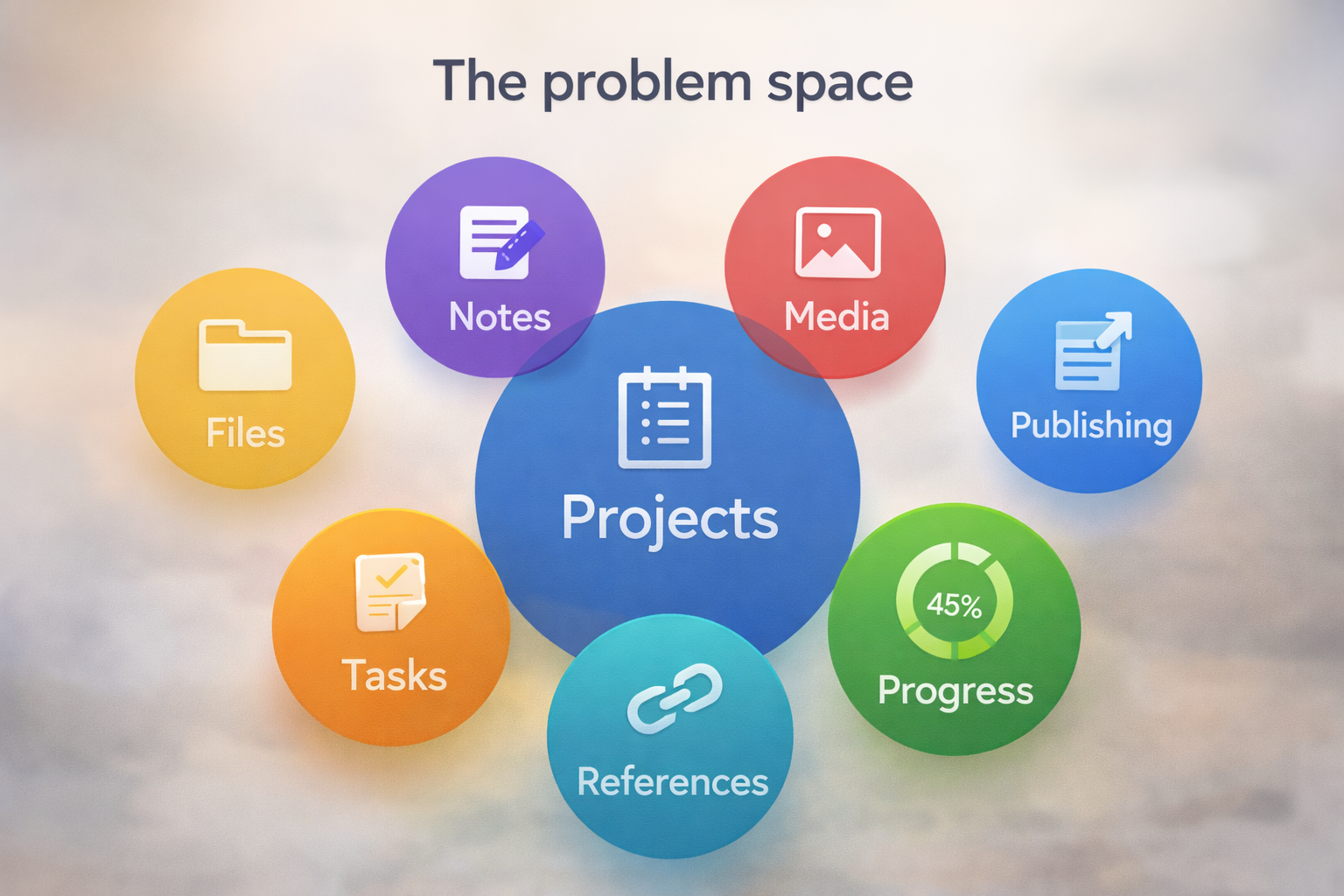
Across these versions, the project record was the part that consistently remained, because the core need was not a specific shell, stack, or interface so much as a clearer structure for the project itself.
A serious project usually needs a title, yes, but also status, descriptions, media, references, relationships, context, and enough consistency that it can be reused elsewhere without re-entering everything manually.
That part still feels true to me.
What changed is my view of how much one custom system should be responsible for.
For a while I kept assuming the right answer was one system. One place to edit metadata, manage project context, hold media, keep local files connected, and feed the portfolio. Sometimes that instinct produced something useful. Other times it produced a bigger and bigger machine around a workflow that did not actually happen often enough to justify the maintenance.
That is where the philosophy shifted.
What I finally understood was that building your own engine gives you a lot of control and teaches you a lot, but it is a lot of extra work and time when you only plan on driving it once a year.
I do not think building custom tools was a mistake. It was useful, interesting, and educational. The mistake would be deciding that because I learned a lot the first time, I should keep repeating the same maintenance burden even after the tradeoff stopped making sense.
Where I am now
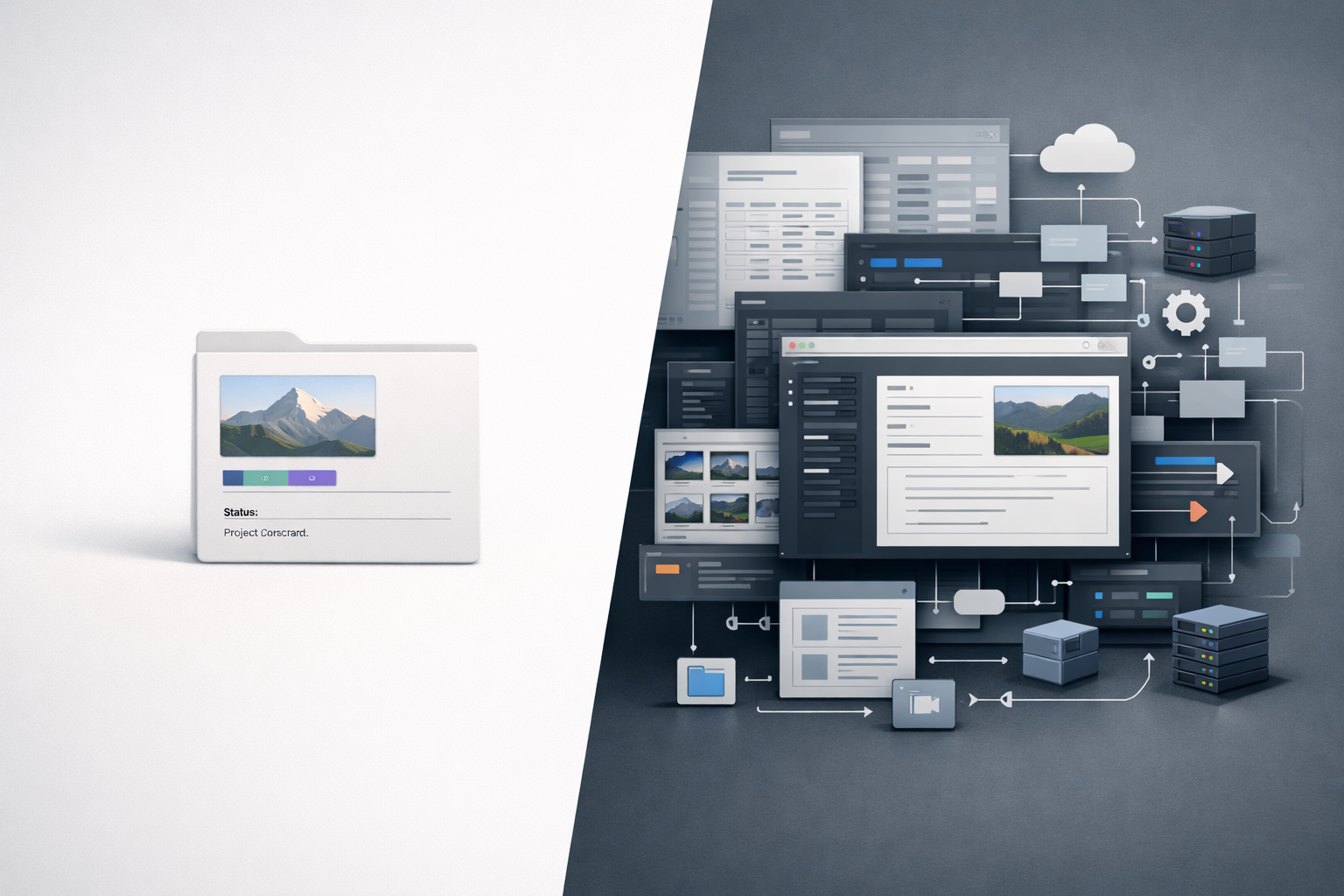
The ending here is not that I gave up on the idea. It is that I changed how I build it.
These days, Notion is the source of truth for project metadata. Linear handles task management. n8n initiates the automation layer. GitHub Actions handles build and testing. Firebase handles hosting.
The workflow now looks more like this:
Notion project metadata

→ n8n automation

→ transform / package data

→ GitHub Actions for build and test

→ Firebase hosting
This setup does not give me the same feeling of total control that the custom app did, but it does solve the actual problem more effectively. I can keep project metadata in one place, automate the parts that benefit from automation, and avoid maintaining a custom metadata generator that introduces more overhead than it removes.
Some things are still manual, and I want them to stay that way. I still enter information in Notion myself. I still build and push the portfolio manually because I want to visually inspect added work before it goes live. That is not a missing feature. That is the point. I no longer think every manual step is a flaw.
That distinction matters more to me now than it used to.
For a while I was trying to remove all friction from the workflow, but some friction is useful when it creates a deliberate review step. The real problem was duplication, not human involvement. Once I understood that more clearly, the architecture got simpler.
What I learned
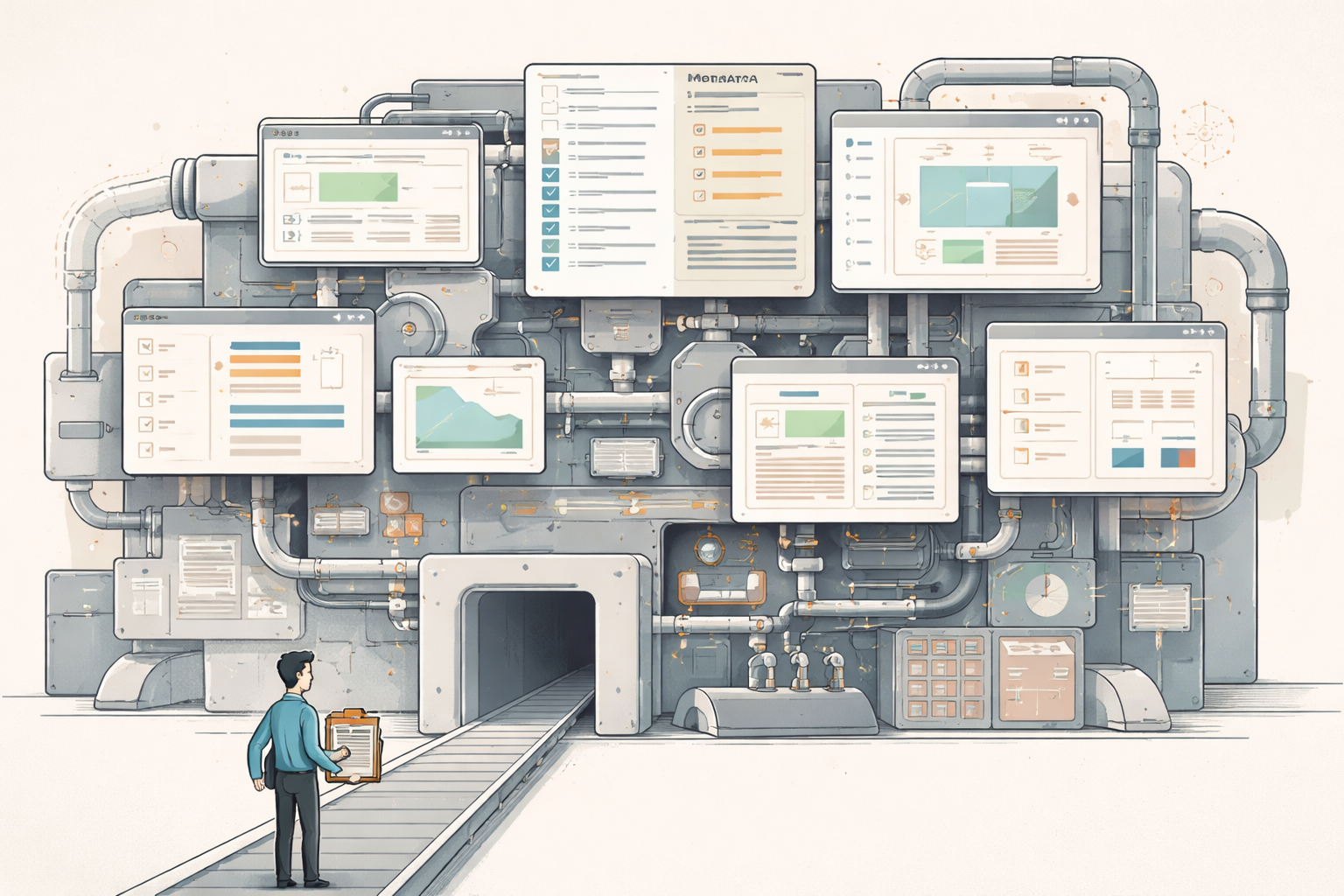
I learned a lot from this, and most of it came from building the whole thing far enough to see where it broke down.
I learned that structured project metadata is still a good idea, but the editing and maintenance cost matters just as much as the schema itself.
I learned that file paths and media are exactly the kinds of details that can quietly make a system brittle, especially when the system is trying to stay close to real project folders.
I learned that a GUI can make a system easier to use without actually reducing its architectural weight.
I learned that a tool meant to help ingest projects can become a roadblock if it asks too much of the work before the work is allowed in.
And I learned that sometimes time and effort are better spent integrating existing tools together than building one more custom layer yourself.
The part I value more now is not just the control that comes from building your own system. It is also the open source community and the current ecosystem of AI and automation tools that make integration far easier than it used to be. More and more, the useful work is not building every component yourself. It is deciding what deserves to be custom and what should just be connected.
I finished Folio. I shipped it. I do not plan to maintain it or extend it anymore. That is not me dismissing the project. It is me recognizing that I got what I needed from it, and that continuing would mostly mean paying the same maintenance bill again.
That feels like a much healthier place to stop than some other projects I have held onto for too long in the past.
If you want the deeper version
I wrote more specifically about the current system and how I use it now.
If you want to see how I sync my portfolio using Notion, read:
If you want to see how I use Notion to track my projects, read:
If you want a more in-depth look at the original app and code, or want to use any of it yourself, the repository is here:
Keep reading
More from the portfolio
Related and recent articles
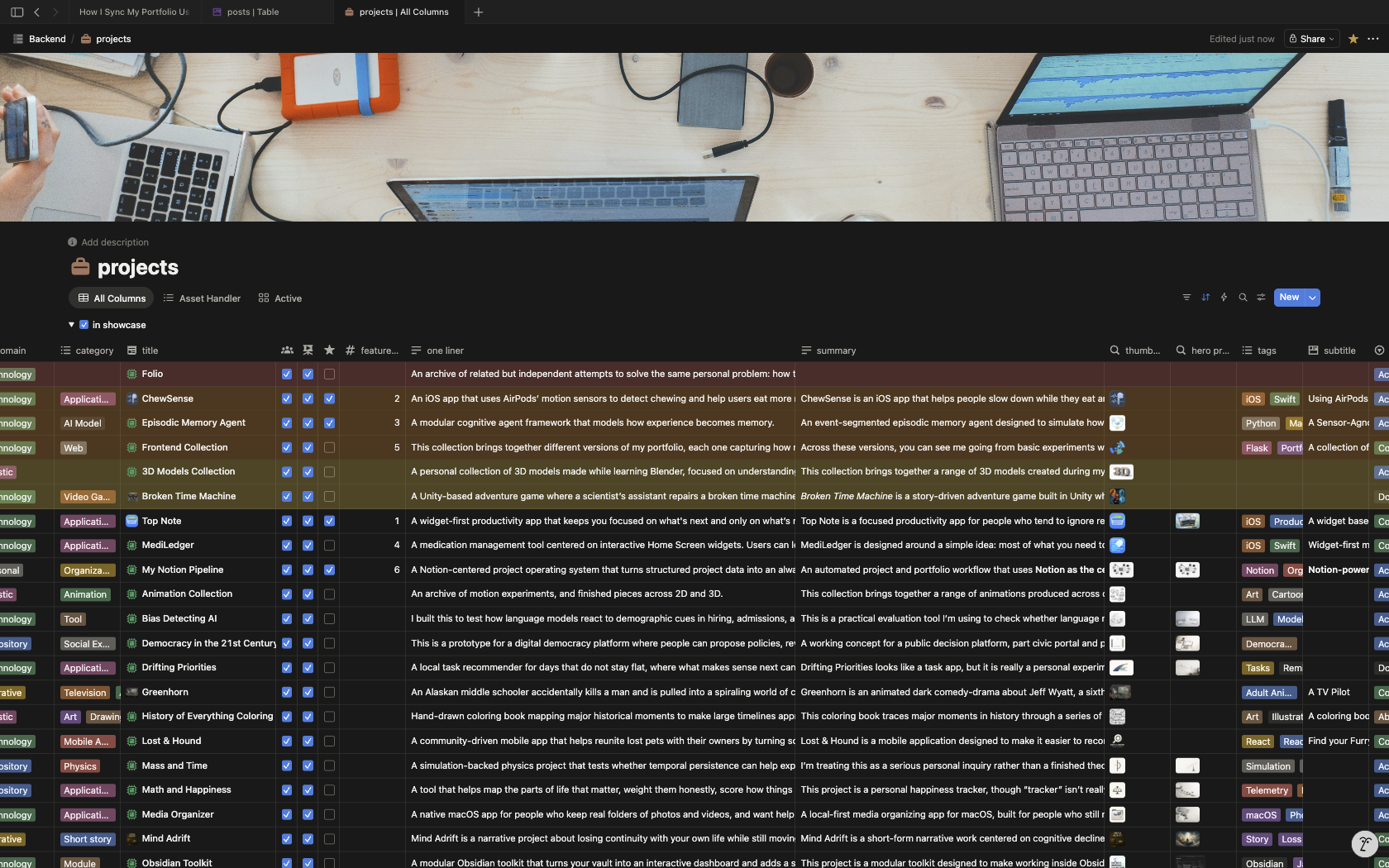
How I Sync My Portfolio Using Notion
How a portfolio can be built as a publishing pipeline, with Notion as the source of truth, n8n creating a JSON handoff, Python scripts normalizing content and media, and Next.js exporting the final static site. The result is a cleaner separation between editing, transformation, and publishing, making the site more predictable and maintainable.
April 8, 2026
Automating Linear From Notion
A bidirectional sync engine that keeps Notion and Linear aligned by normalizing their data into shared models, reconciling meaningful changes, and preserving relationships and identity across systems.
March 25, 2026
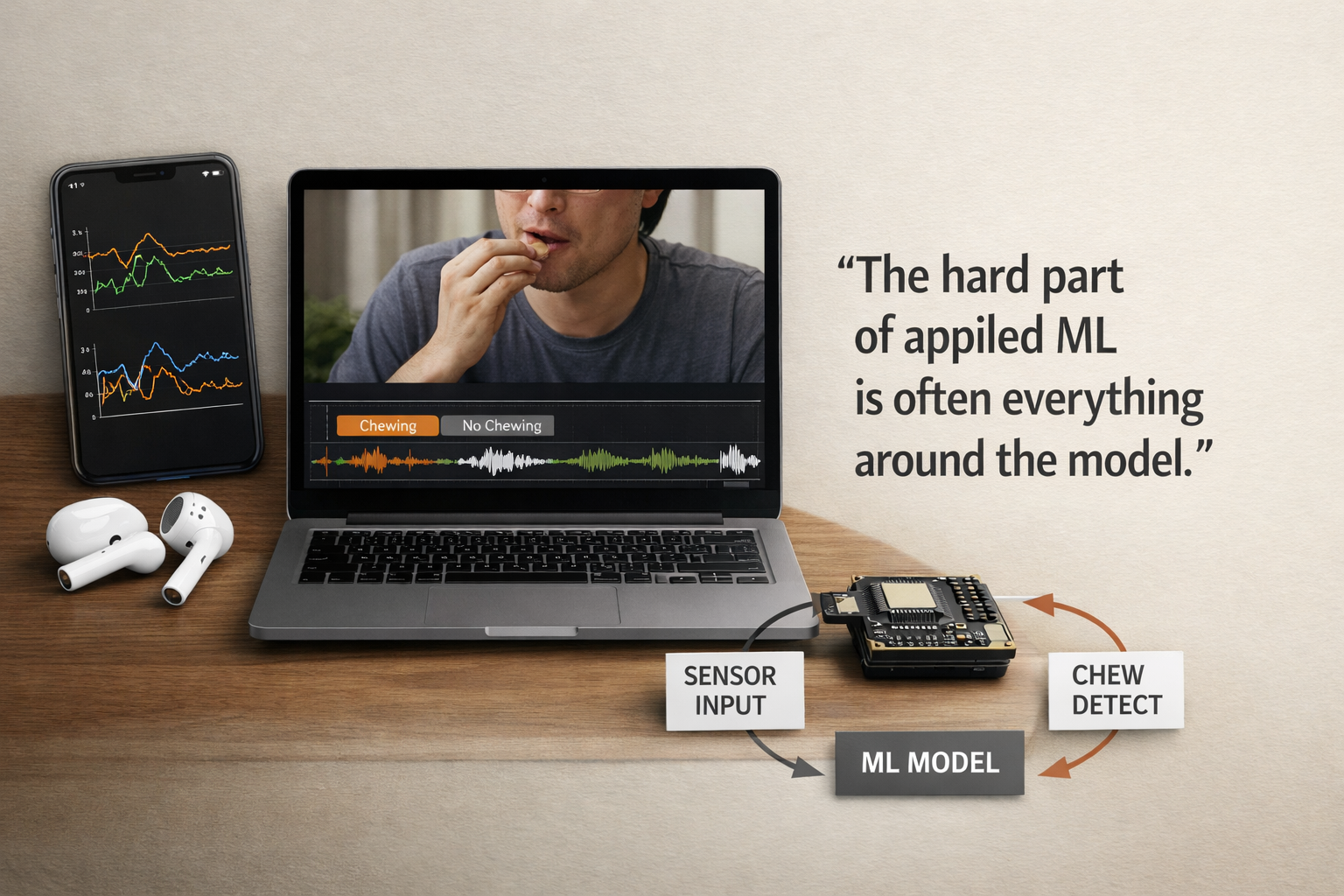
Building ChewSense - Using Motion Data For An On-Device AI Health Agent
This article traces how ChewSense evolved from early experiments with raw AirPods motion signals into a structured pipeline for session collection, video-assisted labeling, feature extraction, model training, and on-device inference. The core lesson is that the hardest part of applied ML was not just training a model, but building the surrounding system needed to collect trustworthy data, preserve feature parity, and make runtime behavior believable.
April 7, 2026
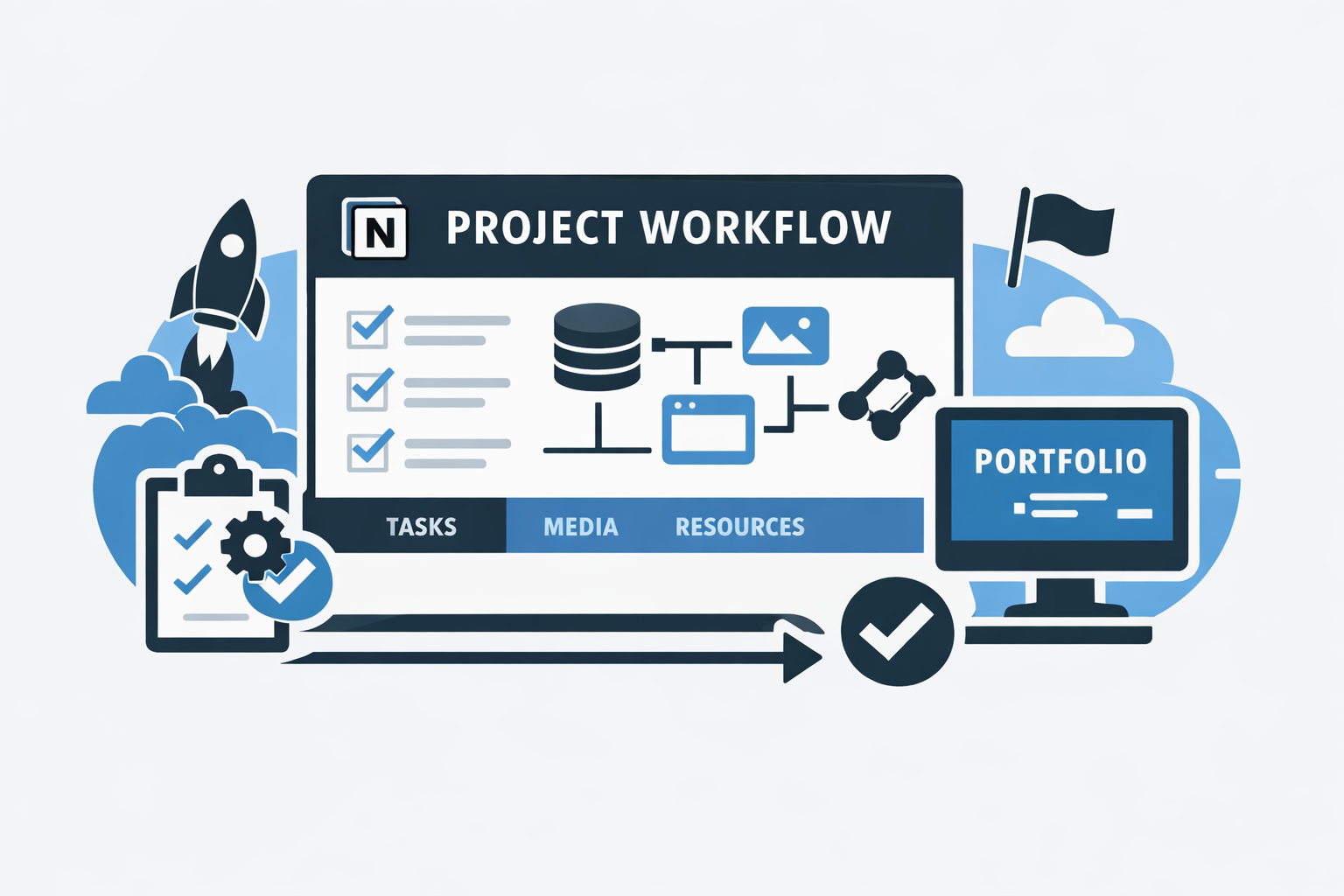
How I Use Notion to Ingest, Organize, and Track My Projects
This Notion setup is a guided project intake workflow rather than a simple notes system: each project starts from a template, highlights the highest-priority next step, and builds toward execution, portfolio readiness, and future automation. By checking key setup steps automatically and separating projects, tasks, assets, resources, and milestones into linked systems, it reduces friction and makes the workflow easier to manage as it scales.
April 1, 2026
Projects connected to this article
Folio

My Notion Pipeline
An automated project and portfolio workflow that uses Notion as the central source of truth for capturing, organizing, maintaining, and publishing work across its full lifecycle. What began as a folder-based system built on local files and .project.json evolved into a relational Notion workspace that connects project metadata, work logs, tasks, milestones, media, and documentation in one structured environment. Inside Notion, the system uses formulas, required-action logic, severity scoring, and visual workflow signals to make project readiness measurable and easier to manage. That structure reduces duplicate entry, improves documentation quality, and keeps projects consistently maintained as they move from idea to execution to presentation. When project data reaches the right state, n8n detects qualifying changes and assembles portfolio-ready JSON, which is then sent into a Python-based build pipeline that prepares content and media for a static portfolio site. Linear supports issue tracking, GitHub stores code and optimized assets, and Firebase Hosting serves the finished site. The result is a connected operating system for project operations and portfolio publishing: one that keeps documentation, execution, and presentation aligned with the real state of the work over time.
Frontend Collection
Across these versions, you can see me going from basic experiments with servers and deployment to paying more attention to how things actually feel to use. What started as me trying to learn the fundamentals turned into a steady process of trying something, seeing what worked, and adjusting. Each version added a small piece—a backend tweak, a visual idea, a different layout—and the whole set basically shows how I learn by building, fixing, and trying again.
ZSDynamics 4.0
In the latest version, I focused on making the site feel more refined. I experimented with parallax effects and smoother animations to understand how small design choices change the overall experience. I also created an SVG character of myself that shifts colors in light and dark mode, which made the site feel a bit more personal. At this point, the portfolio wasn’t just about showing projects—it was a way to see how my design and development skills had grown.